
Get a Demo
See Onki engage a real shopper interaction, live.
Get a DemoProduct — ONKI
Onki puts an AI shopping expert in every aisle. With one scan, shoppers can ask anything in their own language and get 2–4 tailored picks from the store’s own shelves, with clear explanations and directions to each.
Overview
No app to download, no account to create, no store hardware to buy. A shelf tag and a phone already in a shopper's pocket is the whole system.
How It Works
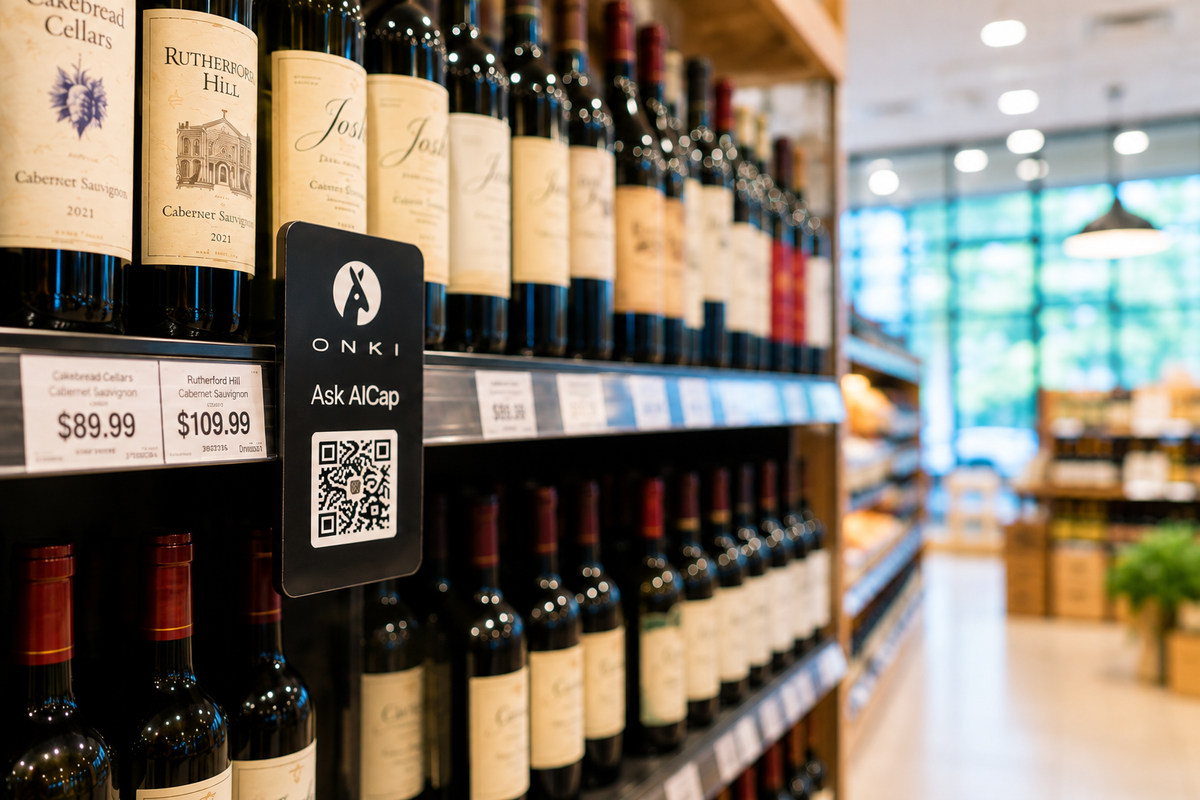
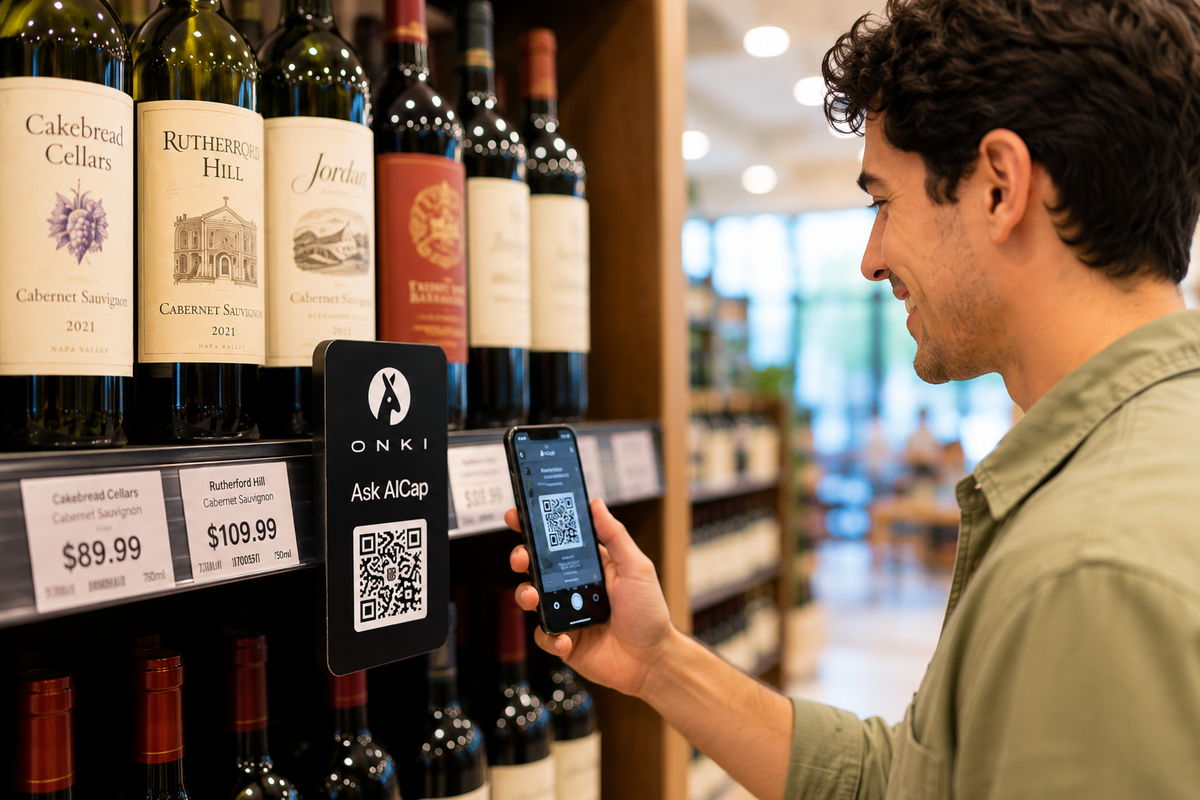
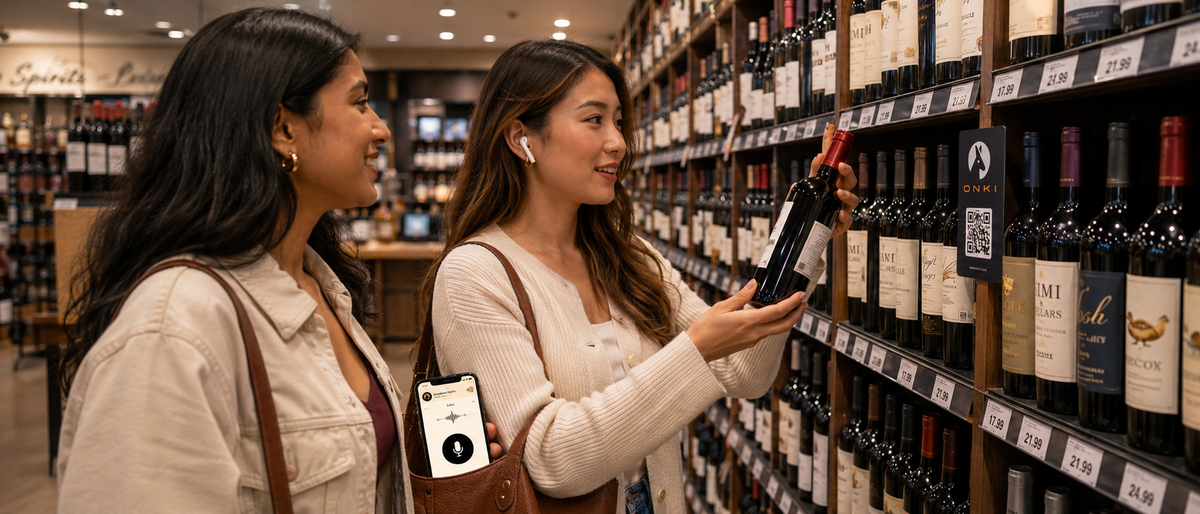
No app, no signup. A shelf tag reads “Not sure which bottle? Scan me.” The shopper scans and Onki opens instantly in their browser.
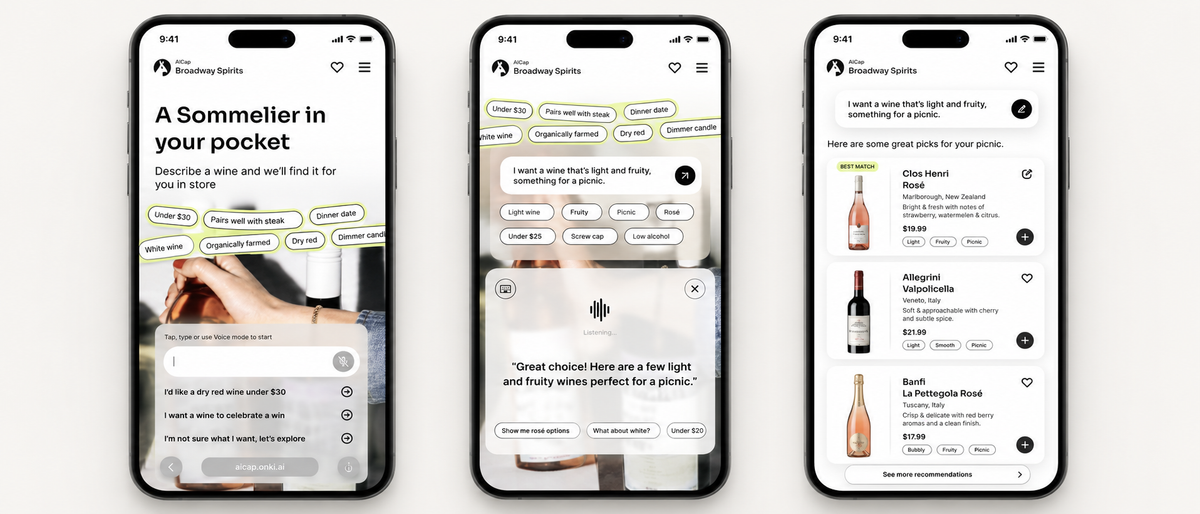
Type or talk, exactly as they'd text a friend who knows the category. Talk about the occasion, food, taste, budget, who it's for. In their own language.
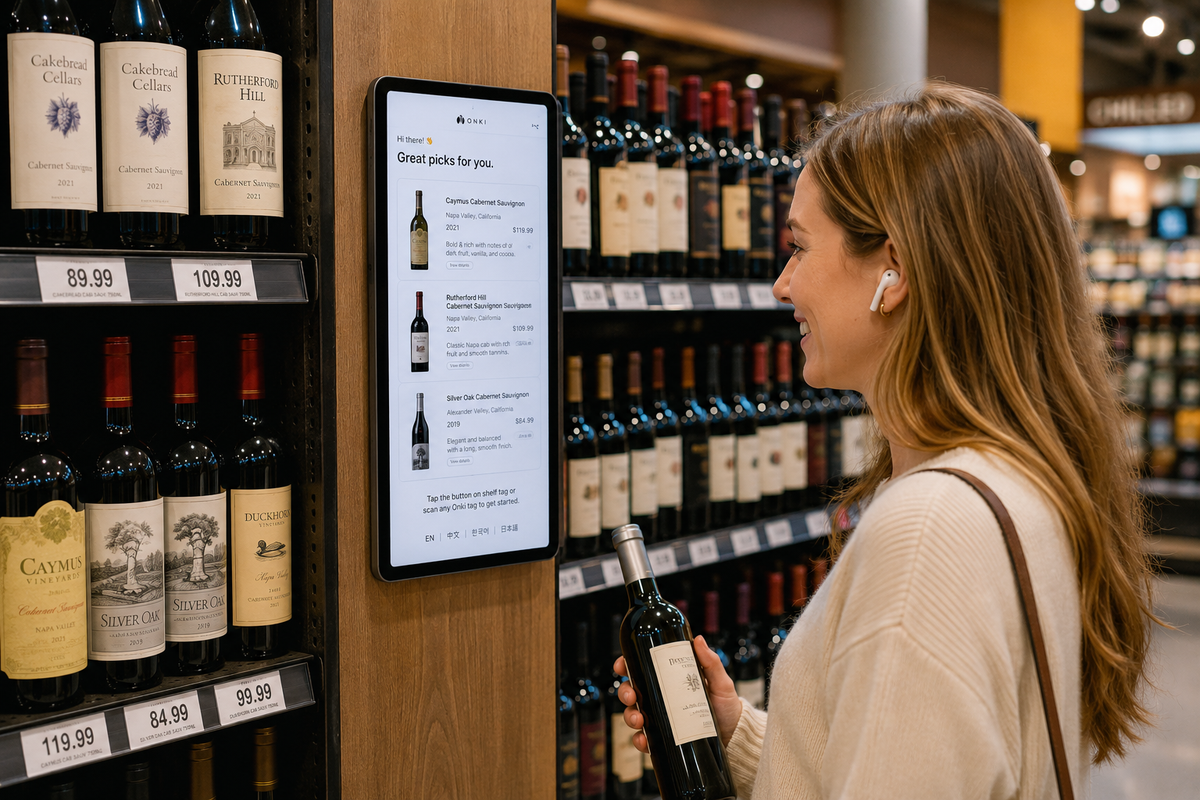
Onki recommends 2–4 products from that store’s own shelves and catalog, each with a clear explanation of why it matches the shopper’s needs.
“Less sweet,” “cheaper,” “compare these two.” The session adapts until the shopper is confident, then points them straight to the bottle.
“Hosting friends for steak tonight. Something bold that’ll impress.”
“Here are three that fit: Catena Malbec, with enough structure to stand up to steak; DAOU Cabernet Sauvignon, a classic pairing; and one adventurous pick, Penfolds Koonunga Hill Shiraz, if you want something peppery and different.”
“Which one would you go with?”
“For steak with friends, the DAOU. Rich dark fruit and firm tannins that hold up to the char, and it’s a guaranteed crowd-pleaser. It’s on Aisle 2, top shelf. If you’ll need a second bottle, the Catena right next to it is a great one to open after.”
Onki runs on the shopper's own phone. No camera and no store-side hardware watching the aisle needed. Sessions aren't tied to an identity. More on how data is handled below.
Interface
Text is quiet and private for a shopper standing in a public aisle; voice is faster when their hands are full. Both are full, immersive experiences.
Technology
Onki only recommends what the store actually carries. Every pick comes from its live catalog, so shoppers never walk out searching for a product they can’t buy there.
Shoppers simply say what they need, in their own words, by text or voice, in dozens of languages. No menus, no keywords, no learning curve.
Every question, recommendation, and correction teaches Onki something new. The more shoppers use it, the sharper its advice gets, in every store.
System overview
The store’s live catalog sets what Onki can recommend, and the extensive product knowledge base explains every item on the shelf.
Onki matches what the shopper wants to real shelf inventory, then explains exactly why each pick fits their needs.
Answers arrive by text or voice, in the shopper’s own language, along with exactly where to find each product.
Every session sharpens future recommendations, revealing assortment gaps for retailers and insights for brands.
A one-click, read-only connection keeps Onki synced to the store’s live catalog, with no on-site setup or manual updates. Prices, availability, and promotions update in real time, and the language mix is tailored to each store’s shoppers. Shopify is live today, with leading POS systems coming next.
Onki records what was asked, what was recommended, and what happened next, but never who asked it. There’s no camera, no login, and no personal data tied to any session.
If a catalog arrives with gaps, such as missing prices, images, or categories, Onki resolves them with the retailer before going live. A wrong answer at the shelf costs more than a short delay.
See Onki engage a real shopper interaction, live.
Get a DemoWhat it takes to get live: catalog sync, signage, timeline.
See Setup & Pricing